Begin
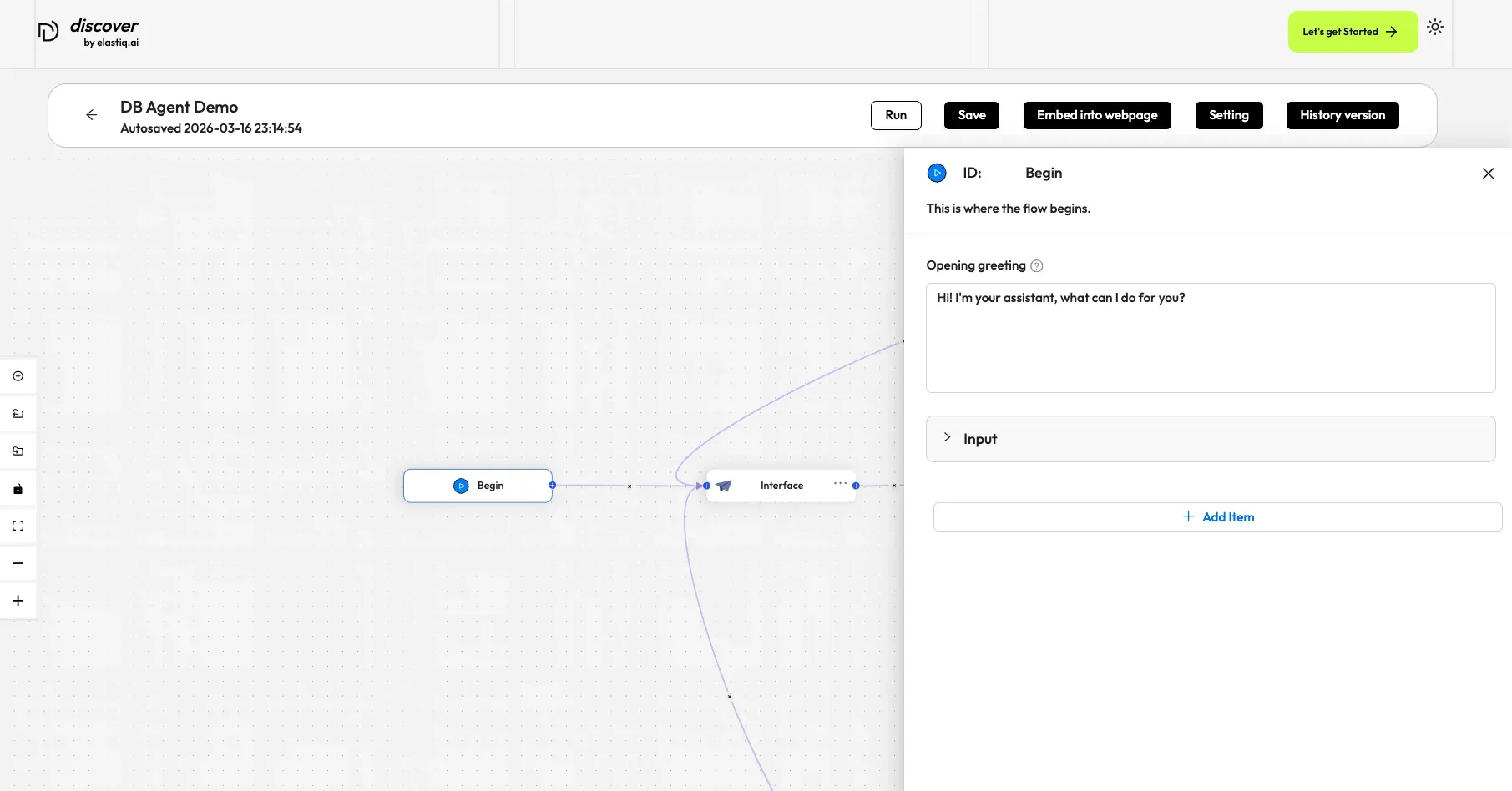
The Begin component sets an opening greeting or accepts inputs from the user. It is automatically populated onto the canvas when you create an agent, whether from a template or from scratch (from a blank template). There should be only one Begin component in the workflow.
Scenarios
Section titled “Scenarios”A Begin component is essential in all cases. Every agent includes a Begin component, which cannot be deleted.
Configurations
Section titled “Configurations”Click the component to display its Configuration window. Here, you can set an opening greeting for the agent.
Opening greeting
Section titled “Opening greeting”An opening greeting is the agent’s first message to the user. It can be a welcoming remark or an instruction to guide the user forward.
Examples
Section titled “Examples”As mentioned earlier, the Begin component is indispensable for an agent. Still, you can take a look at our three-step interpreter agent template, where the Begin component takes two global variables:
-
Click the Agent tab at the top center of the page to access the Agent page.
-
Click + Create agent on the top right of the page to open the agent template page.
-
On the agent template page, hover over the Interpreter card and click Use this template.
-
Name your new agent and click OK to enter the workflow editor.
-
Click on the Begin component to display its Configuration window.