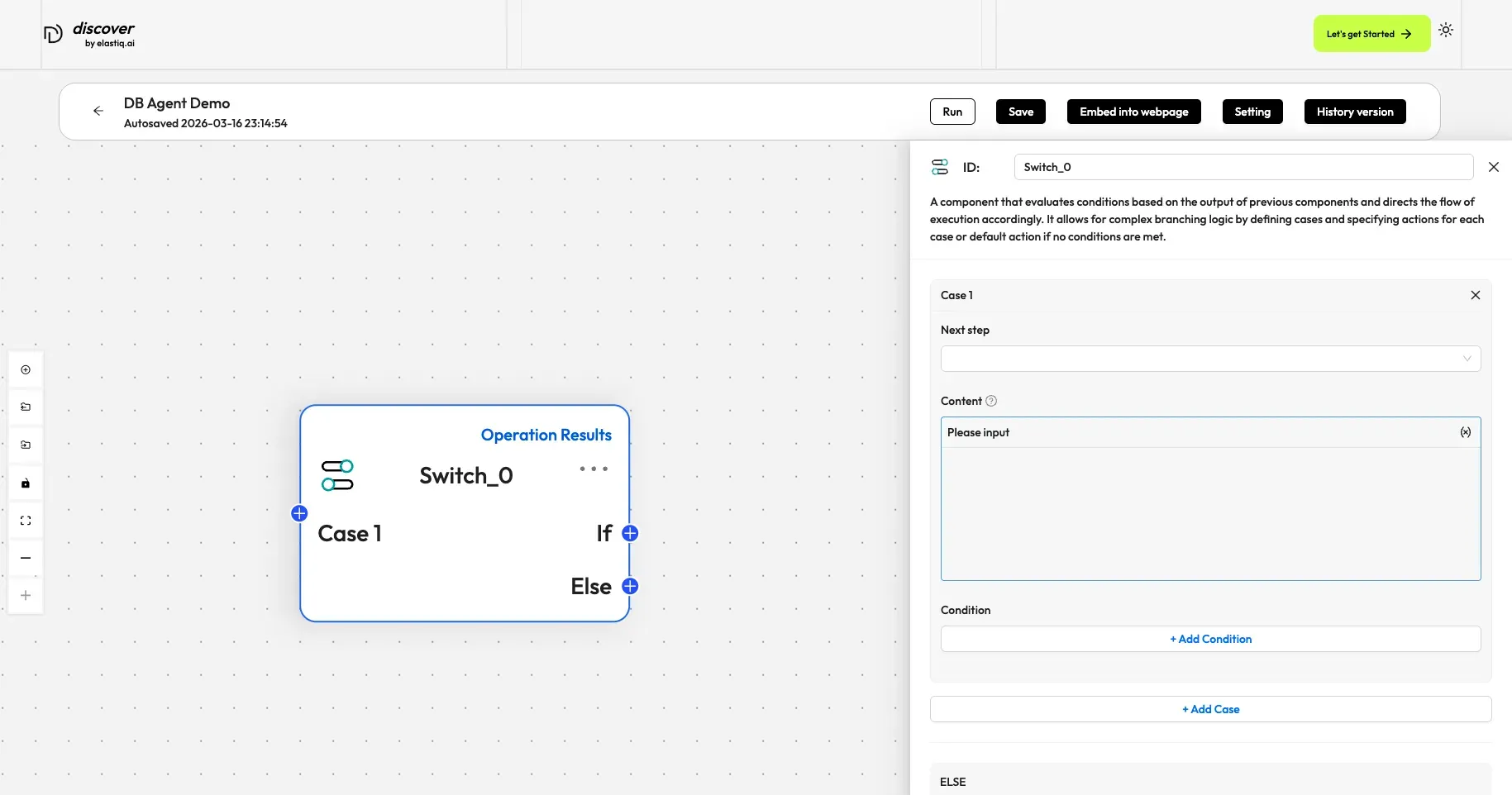
Switch
A component that evaluates whether specified conditions are met and directs the flow of execution accordingly.
A Switch component evaluates conditions based on the output of specific components, enabling complex branching logic without the use of an LLM.
Scenarios
Section titled “Scenarios”A Switch component is essential for condition-based direction of execution flow. While it shares similarities with the Categorize component (which is also used in multi-pronged strategies), the key distinction is their approach: Switch evaluation is rule-based, whereas Categorize uses an LLM for AI-driven decision-making.
Quick Reference
Section titled “Quick Reference”| Parameter | Type | Default | Description |
|---|---|---|---|
conditions | array | [] | An array of case objects. Each case defines one or more logical expressions and a target downstream component. |
Configurations
Section titled “Configurations”Case n
Section titled “Case n”A Switch component must have at least one case. Each case has multiple specified conditions and only one downstream component. When multiple conditions are specified for a case, you must set the logical relationship between them to either AND or OR.
Next step
Section titled “Next step”Specifies the downstream component of this case.
- Once you specify the ID of the downstream component, a link is established between this case and the corresponding component.
- If you manually link this case to a downstream component on the canvas, the ID of that component is auto-populated.
Condition
Section titled “Condition”Evaluates whether the output of specific components meets certain conditions. Component ID, Operator, and Value together form a conditional expression.
- Component ID: The ID of the component whose output to evaluate.
- Operator: The operator used to form the conditional expression:
- Equals
- Not equal
- Greater than
- Greater equal
- Less than
- Less equal
- Contains
- Not contains
- Starts with
- Ends with
- Is empty
- Not empty
- Value: A single value — integer, float, or string.
- Delimiters, multiple values, or expressions are not supported.
- Strings need not be wrapped in
""or''.
Required. Specifies the downstream component if none of the defined cases match.
Once you specify the ID of the downstream component, a link is established between ELSE and the corresponding component.