Logging In
Before diving in, ensure you have access to the Discover platform. If you’re new, contact your administrator to get invited.
-
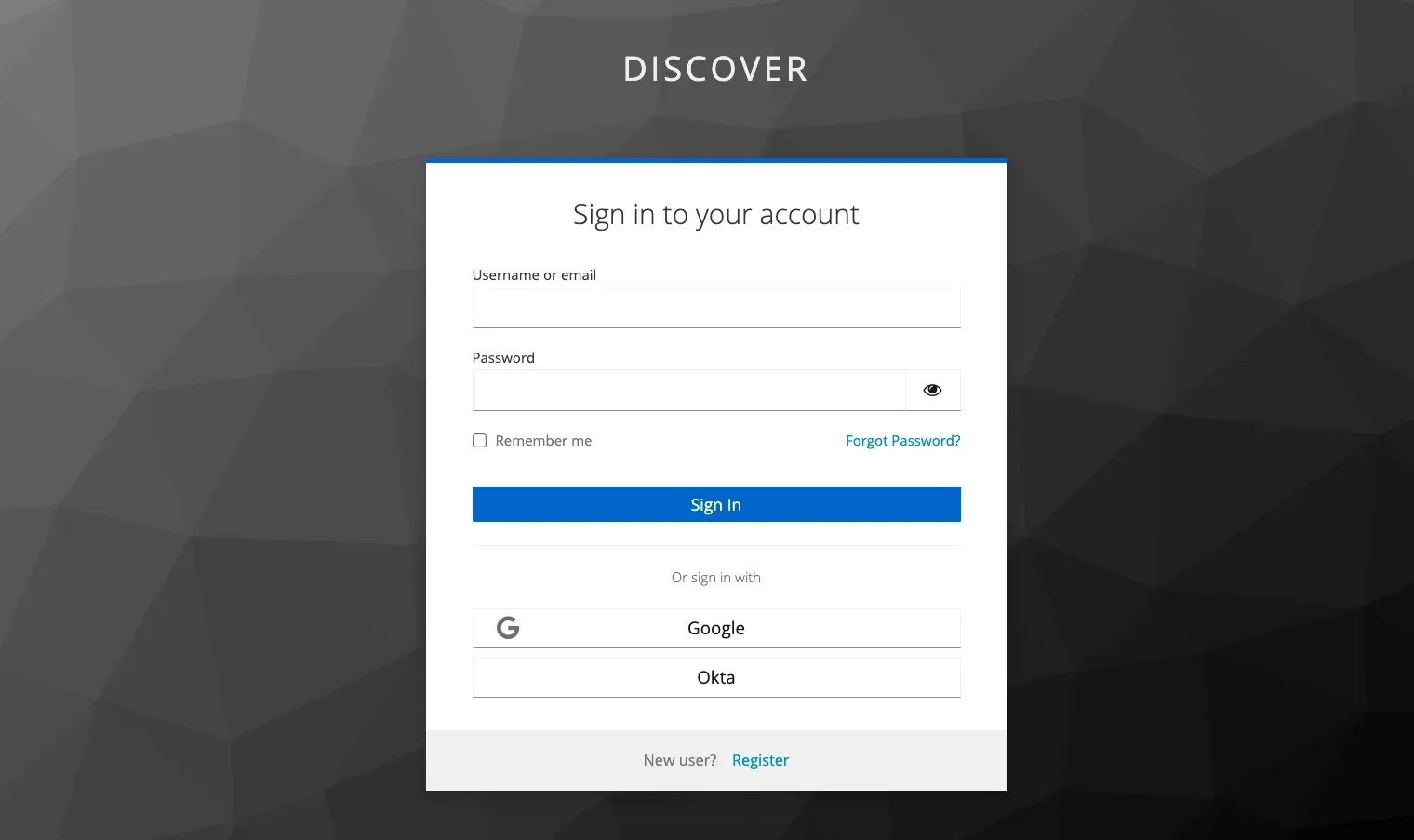
Open your web browser and navigate to the Discover platform URL provided.
-
Click on the option “Sign In with SSO”.

-
Enter your username and password.
-
Click Login.
-
Alternatively, you can Login with SSO.